
You’re probably dealing with the same pressure most planners face before a major event. The stand needs to pull people in, sales wants qualified conversations, the venue wants clean paperwork, and someone on the team is already asking whether an interactive feature is worth the budget.
That’s where simulator hire usually shifts from “nice idea” to practical solution. When it’s planned properly, a simulator isn’t just a game on a stand. It becomes a controlled way to attract the right people, keep them there long enough to have a useful conversation, and give your brand a clear role inside the experience.
The mistake I see most often is treating the simulator as the activation. It isn’t. The simulator is the engine. The results come from how you design the competition, manage throughput, brand the environment, brief staff, capture data, and fit the whole thing into the realities of venue access, power, insurance, and guest flow.
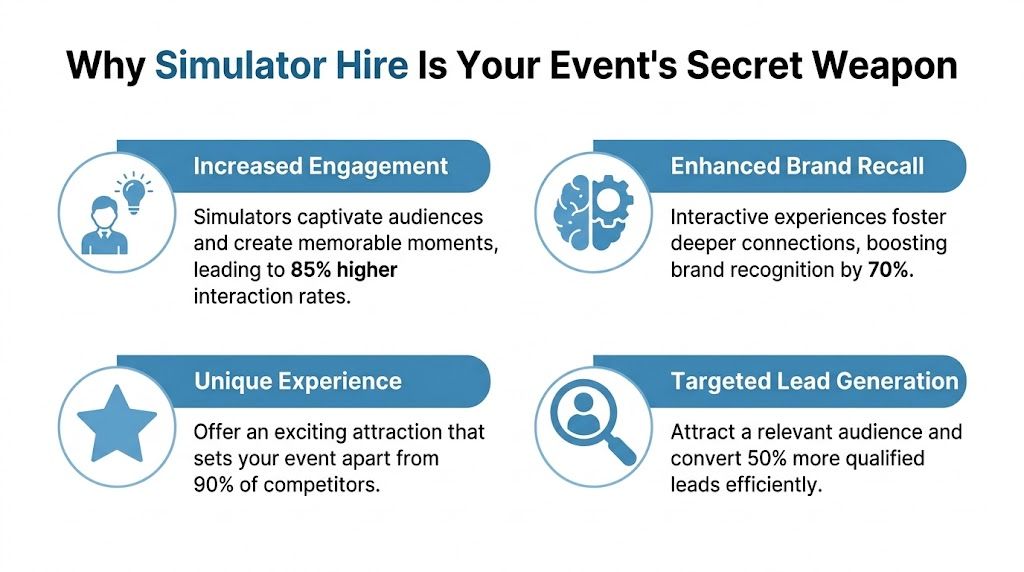
Why Simulator Hire Is Your Event's Secret Weapon
A busy exhibition hall exposes weak ideas quickly. If your stand relies on a brochure rack, a looping video, and a polite smile from the sales team, people glance over and keep walking. They stop only when something gives them a reason to engage.
Simulator hire does that better than most static attractions because it turns spectators into participants. People don’t just look. They queue, compete, watch colleagues take a turn, compare scores, and stay in the space longer than they would for passive branding alone.
What it changes on the stand
The commercial case is stronger than many planners expect. Simulator hires for interactive activations drive 25 to 30% higher attendee engagement, and UK deployments have enhanced dwell time by 40% and lead capture by 28%, according to simulator market data and UK case study references.
Those metrics matter because they connect directly to what event teams are measured on:
- Footfall quality. A simulator attracts people who are willing to stop and commit time, not just collect a giveaway.
- Dwell time. Longer engagement gives sales staff a workable window to start the right conversation.
- Lead capture. Competition mechanics and leaderboard entry create a natural point to collect contact details.
- Brand memory. People remember what they did, not only what they saw.
Why it works better than passive engagement
A simulator acts like an interactive magnet for your stand, but the useful part isn’t the novelty. It’s the structure. A racing simulator creates tension, a score, an audience, and a reason to stay. A flight simulator creates immersion and conversation. A sports simulator lowers the barrier for participation in a networking setting.
Practical rule: If your attraction doesn’t create a queue, a watchable moment, or a reason to talk to staff, it won’t carry much weight commercially.
That’s why simulator hire works across very different event formats. At an exhibition, it pulls traffic from the aisle. At a conference, it creates energy during breaks. At a corporate party, it gives guests a focal point that feels organised rather than random.
Cost versus investment
The budget question is real, but it’s often framed badly. Teams ask, “How much does a simulator cost?” The more useful question is, “What’s the cost of using stand space without a strong engagement tool?”
If you’re spending on floor space, design, staff travel, printed materials, hospitality, and sponsorship, then an activation that increases engagement and improves lead capture can change the economics of the whole event. That’s why simulator hire usually performs best when it’s treated as part of the event strategy, not an add-on ordered at the end.
Choosing Your Perfect Simulator A Deep Dive
Not every simulator suits every brief. The right choice depends on audience profile, stand footprint, event tempo, and what you need the attraction to achieve once people arrive.
A high-energy exhibition stand often needs something visible and competitive. A networking event may need a more relaxed format that supports conversation. Internal events usually work best when the experience is easy to join without a long explanation.
Simulator categories that planners use most
Racing simulators are the most broadly useful option for many corporate events. They’re easy to understand, naturally competitive, and highly watchable from the aisle. If you want examples of the format and setup options, a useful reference point is racing simulator hire.
Flight simulators create a different tone. They feel more immersive and often suit premium hospitality, aviation themes, training-adjacent environments, or events where spectacle matters as much as throughput. Motion versions add realism, but they also increase planning requirements.
Sports simulators work well when you want accessibility. Golf, rugby, football, boxing, or reaction-based formats tend to be less intimidating for mixed groups and are often stronger in team-building or informal networking environments than highly technical motorsport setups.
VR experiences and Batak-style reaction games suit faster turnover and varied audiences. They can work well where space is tighter or where you want guests to join in for a short burst without a long queue building around one long session.
Simulator Hire Comparison Guide
| Simulator Type | Footprint (Approx.) | Power Needs | Ideal For |
|---|---|---|---|
| Racing simulator | Moderate footprint, depending on single rig or multiplayer layout | Standard 13A UK sockets for premium racing setups | Exhibitions, fan zones, conferences, competitive team-building |
| Flight simulator | Larger footprint, especially for motion platforms | Motion flight simulators typically require 220-240 volt power at 1.5kW | Premium activations, aviation themes, hospitality, immersive experiences |
| Sports simulator | Varies by sport and projection area | Venue-specific standard event power in many setups | Networking days, mixed audiences, internal events, approachable competition |
| VR and reaction games | Often compact to moderate | Venue-specific, usually easier to integrate than larger motion equipment | Fast turnover activations, breakout spaces, hybrid layouts |
Matching the simulator to the event objective
Use the audience and the event rhythm as your guide.
- For lead generation at exhibitions: Racing usually wins because it’s easy to understand from a distance and naturally supports timed competition.
- For premium brand storytelling: Flight can be stronger because the guest steps into a more immersive, more cinematic moment.
- For inclusive team participation: Sports simulators often give you the widest comfort range across ages and confidence levels.
- For short sessions and high turnover: VR and reaction formats can keep people moving without sacrificing interactivity.
The best simulator hire isn’t the most expensive unit in the catalogue. It’s the one your audience will actually use, watch, and talk about.
A note on specification
Planners should ask about the hardware, not just the category. A premium racing rig with direct-drive steering and load-cell pedals feels completely different from an entry-level setup. Better components usually mean smoother operation, better realism, and fewer compromises during a long event day. That becomes important when guests expect a polished experience and your team needs reliable throughput.
From Vision to Reality Planning Your Activation
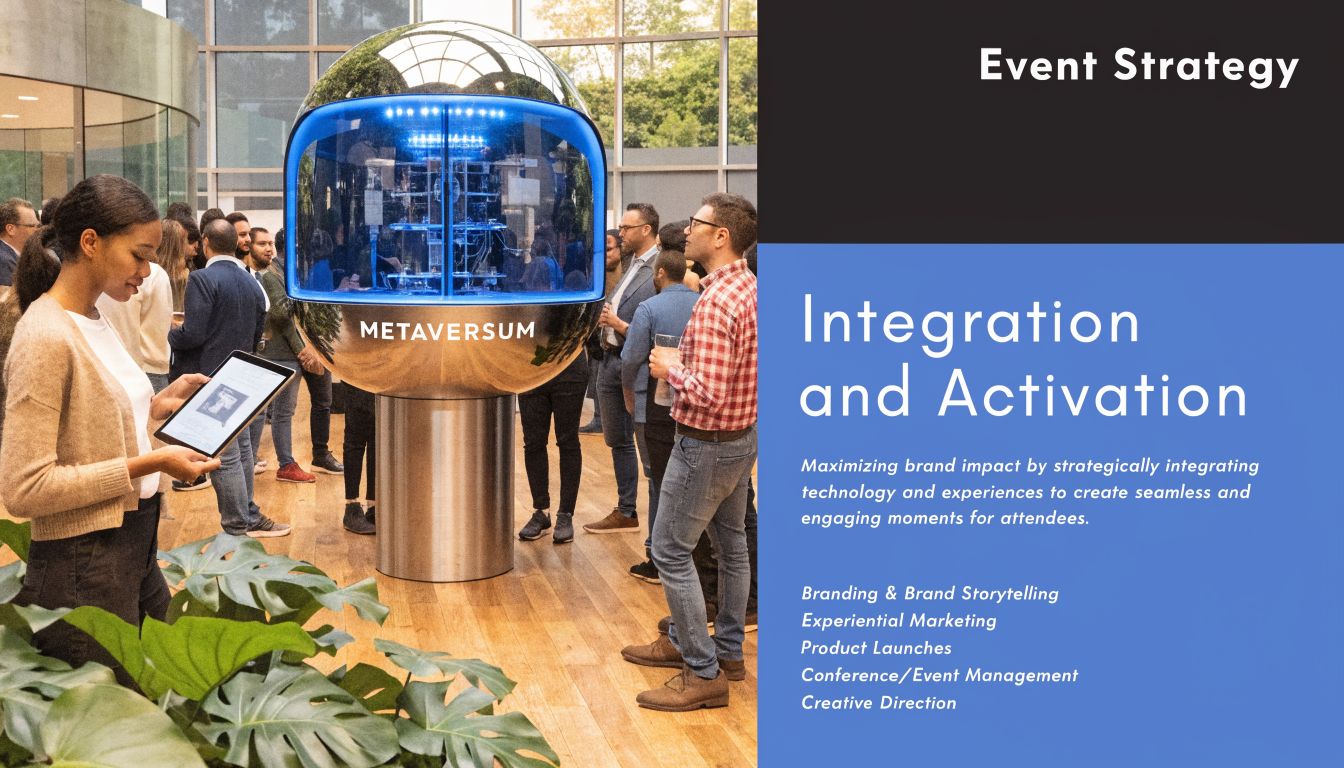
A simulator on its own draws interest. A well-designed activation turns that interest into a measurable outcome. That’s the difference between “people had a go” and “we created qualified conversations, data capture, and a reason to follow up”.
Build the experience around one clear behaviour
Start with the action you want from attendees. Do you want them to stop? Compete? Register? Book a demo? Meet a salesperson? Too many activations try to do everything at once, and that’s where they become cluttered.
The simulator should support one primary behaviour and one secondary outcome. For example, a fastest-lap challenge may drive the crowd, while the leaderboard entry captures contact details. That works because the guest understands the exchange immediately.
A practical route for campaign design is to connect the simulator to broader experiential marketing activations rather than treating it as a standalone entertainment item. That usually produces cleaner messaging and better staff coordination.
Branding that feels integrated
Good branding on simulator hire is visible without getting in the way of play. The strongest setups usually combine physical and digital branding instead of relying on one or the other.
Consider a mix like this:
- Physical surfaces: Seat backs, rig panels, gantry headers, and surrounding graphics.
- Digital touchpoints: Intro screens, branded scoring overlays, leaderboard visuals, and post-play confirmation screens.
- Spatial branding: Floor graphics, queue barriers, backwalls, and nearby product messaging.
What doesn’t work is forcing too much copy into the play area. Guests won’t read paragraphs while they’re trying to set a lap time or land a helicopter.
Data capture without killing momentum
Many activations falter regarding data capture. Teams either ignore it altogether or make the process so clumsy that it slows the queue and drains the energy from the experience.
A useful benchmark here is that a key underserved area in simulator-based events is hybrid integration for data capture. 42% of marketers cite integration challenges, while AI-enhanced simulators have seen 15% adoption in UK exhibitions since January 2026, according to this hybrid event and simulation training discussion. The signal is clear. Planners want the physical attraction tied to digital outcomes, but many still struggle with the mechanics.
If registration feels like admin, people resist it. If it feels like part of the competition, people accept it.
Competition formats that work
Not every format needs a grand prize. Often, simple mechanics perform best:
- Fastest lap or highest score for exhibition environments where speed matters.
- Team versus team for internal events and conference breakouts.
- Beat the benchmark when you want broad participation without intimidating casual players.
- Scheduled finals later in the day if you need repeat visits to the stand.
The strongest activations also plan for the audience around the player. Screens visible from the aisle, live ranking, and staff commentary all help turn one participant into a small crowd.
The Nuts and Bolts Logistical and Technical Requirements
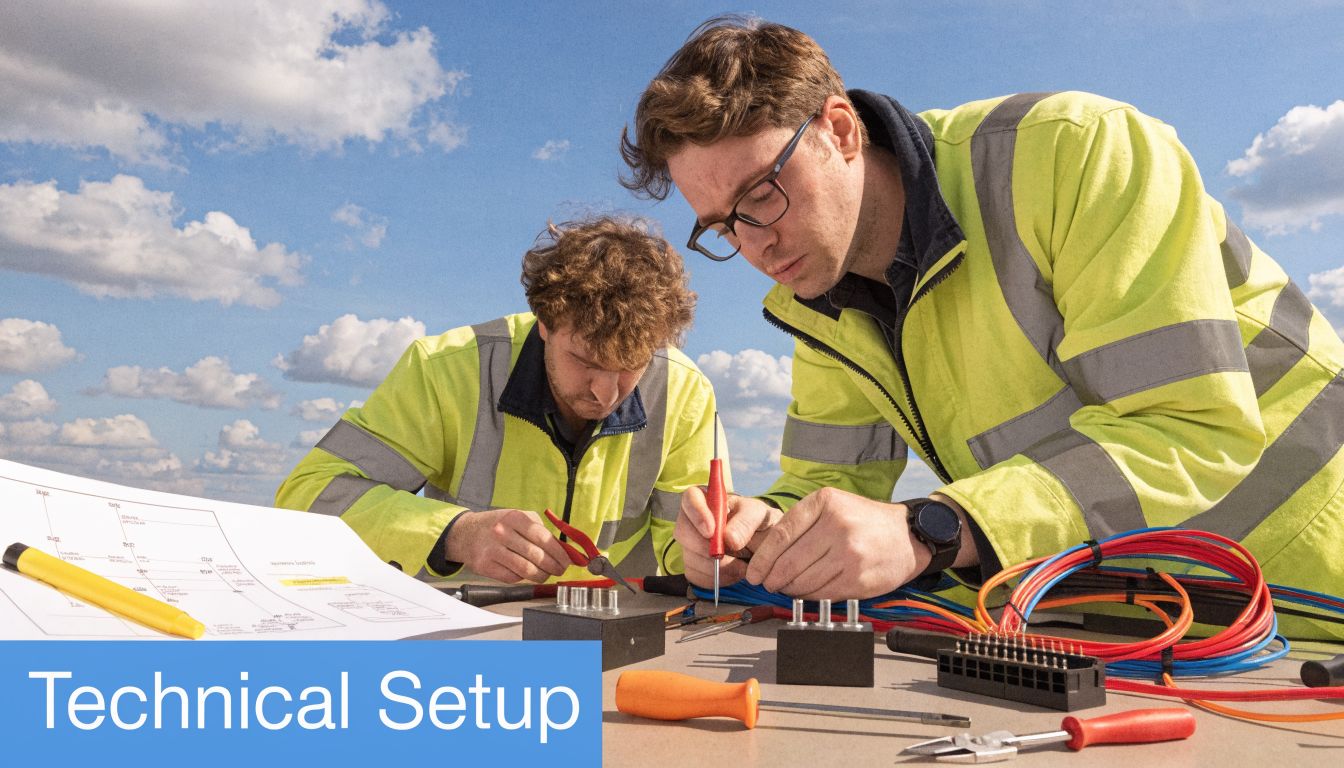
Most simulator hire issues don’t start on event day. They start earlier, when a planner assumes the venue can “probably handle it” without checking access, power, or floor plan details.
That’s avoidable if you treat logistics as part of the creative process, not a separate admin task.
Space and access come first
Before you discuss branding or game formats, confirm the route from loading bay to final position. Ask about door widths, lift sizes, ramp access, vehicle booking slots, and whether the venue has any restrictions on early build or late breakdown.
A simulator may fit on the floor plan and still fail on access. Motion equipment, large screen surrounds, and framed branding often create the problem, not the simulator base itself. Venues such as exhibition centres and arenas usually have procedures for this, but you still need exact information early.
A useful venue check includes:
- Access route: Loading bay, corridor turns, service lifts, and timing restrictions.
- Final position: Nearby pillars, low truss, catering points, or emergency exits.
- Audience area: Queue space, spectator sightlines, and sales staff working room.
- Surface conditions: Level flooring and any coverings that affect stability.
Power isn’t a detail
Power gets underestimated more than almost anything else. A motion flight simulator typically requires 220-240 volt power and 1.5kW, and if you’re using a generator it must have earth bonding to comply with UK regulations. That detail helps prevent faults and can avoid 2 to 4 hour setup delays, as outlined in PSW technical guidance on simulator requirements.
That matters because a generator that isn’t properly specified can derail a whole installation window. In live event terms, losing hours during build can mean losing branding, testing time, or rehearsal.
Ask for the venue power schedule in writing. “There’ll be a socket nearby” isn’t a workable technical brief.
For racing setups, power is often simpler, especially when the rig runs from standard UK sockets. Even then, don’t assume one nearby outlet solves everything. Screens, timing systems, lighting, charging stations, and AV support all need to be counted.
Throughput and connectivity
You also need to think about how the simulator will operate over the full event day, not just at first switch-on. That means asking how players rotate, how scores display, whether data needs syncing, and whether internet access is required for your activation design.
The setup process is easier to visualise when you’ve seen it in action:
A simple technical briefing with the supplier should cover:
- Setup time and testing window
- Power source and cable runs
- Internet or local network requirements
- Operator position and guest management zone
- Breakdown timing and vehicle access after the event
If those answers are vague, the quote probably is too.
Protecting Your Event H&S Insurance and Staffing
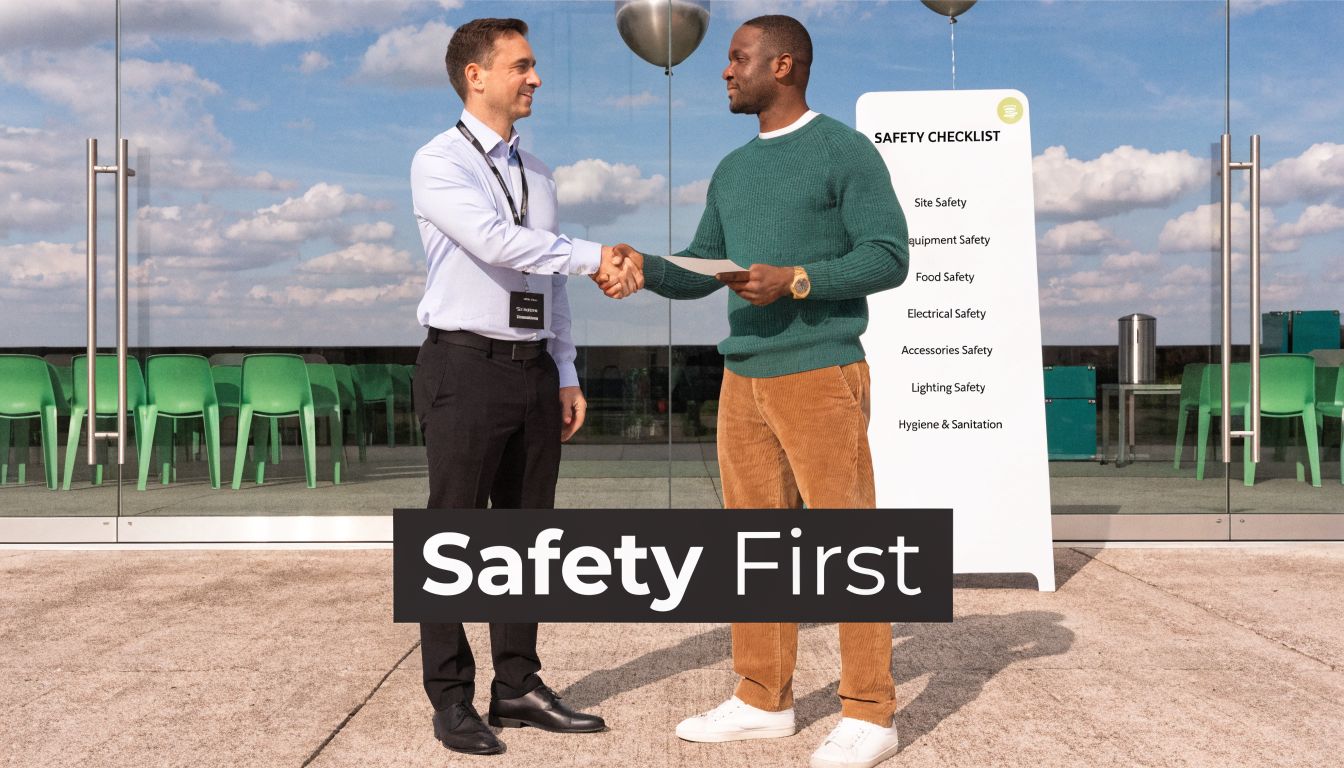
The cheapest simulator quote can become the most expensive decision on the floor. If a unit arrives without the right paperwork, without trained operators, or without a clear risk process, the burden lands on the organiser, venue team, or agency producer.
That’s why health and safety should be part of procurement, not a final checkbox before doors open.
What proper cover actually looks like
For major UK venues, planners usually expect substantial public liability cover, product liability cover, PAT testing records, and event-specific risk assessments. In this category, £10 million insurance is a common benchmark for venue acceptance, and it’s one of the first things a serious organiser checks.
If your event includes heavy or specialist kit, it’s also worth understanding how the wider insurance system works around transport, storage, setup, and operation. For broader context on cover types and risk exposures around specialist equipment, this guide to heavy equipment insurance is useful background reading.
Staffing is part of risk control
Professional simulator maintenance and staffing services are growing at 10%+ CAGR, enable 99% uptime, and contribute to a 40% reduction in accident rates in parallel training environments, according to operator training simulator market analysis. For planners, the point isn’t the training sector itself. The point is that professional oversight reduces avoidable problems.
On a live event floor, trained operators do more than start the game. They manage safe entry and exit, keep the queue moving, reset equipment correctly, spot user error early, and maintain the tempo of the activation. They also protect the guest experience when the player in the seat is nervous, overconfident, or unfamiliar with the controls.
What to ask a supplier before signing
A solid vendor conversation should cover more than availability and price. Ask for:
- Risk documentation: Event-specific RAMS, PAT records, and operating procedures.
- Insurance confirmation: Current certificates that match the venue requirement.
- Staff profile: Who will be on site, what they’re trained to do, and whether they’re client-facing.
- Maintenance process: How faults are handled during the event and what spares are carried.
- Venue experience: Whether the crew has delivered at comparable sites before.
If staffing support is part of your wider event plan, it helps to review integrated event staffing solutions alongside the equipment itself so guest management, registration, and activation support are aligned.
Good staffing disappears into the event. Guests feel looked after, the queue moves, the equipment stays safe, and the organiser doesn’t spend the day firefighting.
Budgeting for Success Understanding Simulator Hire Costs
Simulator hire pricing only makes sense when you break it into components. A single headline number rarely tells you whether the quote is lean, realistic, or missing important operational detail.
The most obvious cost driver is the simulator type itself. A static setup is usually simpler than a motion-based experience. A single-player unit is different from a multiplayer bank of rigs. Premium hardware, larger screens, and custom scenic build all move the quote in different ways.
What usually changes the price
The supplier is pricing not just the machine but the delivery model around it. These are the variables that tend to shape the final figure:
- Equipment specification. Motion systems, premium controls, and high-end displays usually increase cost because transport, setup, and technical oversight are more involved.
- Hire duration. A one-day exhibition hire is different from a multi-day roadshow where storage, crew time, and repeated installation all come into play.
- Branding level. Simple branded overlays are one thing. Full custom wraps, scenic framing, and bespoke digital leaderboards add design and production work.
- Staffing model. An unattended attraction is rarely a good idea for corporate use, so operator time often needs to be built in.
- Logistics and access. Tight access windows, stairs, restricted loading, overnight holds, and distant venues all affect labour and transport.
Where saving money works and where it doesn’t
Some cost savings are sensible. Others create false economy.
Reasonable places to simplify include reducing scenic dressing, shortening hire duration, or choosing a standard competition format instead of a fully custom game mechanic. Those choices can lower complexity without harming the guest experience.
Areas where cutting corners usually backfires include on-site staffing, technical support, and hardware quality. A cheaper rig that looks underwhelming or fails under pressure can cost you more in lost engagement than the saving was worth. The same goes for a quote that appears competitive but excludes installation time, branding fit-out, or venue-compliant paperwork.
A better way to assess a quote
Read the quote as an operations document, not just a price sheet. Check what’s included, what assumes a standard venue, and what could change after a technical survey.
A useful comparison is to ask each supplier for the same scope: event hours, setup window, branding requirement, staffing expectation, and venue details. When the brief is consistent, the price differences become easier to understand.
Your Booking Checklist and Vendor Selection Guide
The right vendor makes simulator hire feel straightforward. The wrong one creates avoidable questions right up to show open. That’s why selection should focus on delivery capability, not just the unit itself.
Book early when the activation needs custom work
If your event needs branded rig panels, bespoke leaderboard graphics, integrated registration, or a multi-attraction layout, leave proper lead time. Custom work often depends on artwork approval, production schedules, transport planning, and venue coordination.
A straightforward dry hire style enquiry can move faster. A custom activation with moving parts needs more breathing room, especially when several stakeholders must sign off creative, legal, and H&S details.
The vendor questions that matter most
Ask direct questions and expect direct answers.
What hardware are you supplying exactly?
This matters. Premium racing simulator hires use direct-drive wheels and load-cell pedals, reducing input lag to under 5ms. They can sustain 8-hour operation with under 2% uptime loss and outperform static rigs by 40% in footfall at major exhibitions, according to premium racing simulator specification guidance.Who will operate it on site?
You want to know whether trained staff are included, what they handle, and how they manage guest flow.Have you delivered at comparable venues?
Experience with major exhibition centres, stadiums, and conference venues often shows in the quality of pre-event questions.What paperwork do you provide?
Ask for insurance certificates, PAT records, and RAMS before final approval, not the day before build.What happens if something fails on site?
Look for a clear fault-response plan rather than a vague promise that “someone will be available”.
Include sustainability in the vetting process
Many planners now need answers on transport impact, material choices, and power assumptions. Even when a venue doesn’t require detailed reporting, clients increasingly ask. A reliable supplier should be able to explain how the equipment is transported, what branding materials are used, and whether the installation can align with venue sustainability policies.
“Can you send your risk pack, insurance, power requirements, access needs, and branding specs today?” is a reasonable question. Professional suppliers won’t struggle to answer it.
Final booking check
Before you sign off, confirm these points in writing:
- Event date, venue, and access times
- Simulator specification and exact inclusions
- Branding deliverables and artwork deadlines
- Power and space requirements
- Staffing hours and responsibilities
- Setup, derig, and transport scope
- H&S and insurance documents
- Lead capture or leaderboard process, if included
That level of clarity saves a lot of stress later.
Frequently Asked Questions About Simulator Hire
How much space do I need for simulator hire?
It depends on the format. A single racing simulator needs a more modest footprint than a motion flight simulator with audience space around it. Always plan for the rig, operator position, queue area, and spectator sightlines, not just the machine itself.
Can simulators be branded for exhibitions?
Yes. Branding can sit on physical surfaces, surrounding structures, digital scoreboards, and registration screens. The cleanest activations keep the branding visible without interrupting gameplay.
Do I need venue internet?
Not always. Some activations can run locally without venue connectivity. If you want live synced leaderboards, integrated lead capture, or digital reporting, confirm the connection requirement early.
Are simulators safe for corporate events?
They can be, if the supplier provides proper documentation, trained operators, and equipment that’s maintained correctly. Safety depends as much on staffing and setup discipline as it does on the hardware.
How long does setup take?
That varies by simulator type and venue access. Motion systems, large-screen scenic builds, and custom branding take longer than simpler static units. Build timing should always be agreed around the venue’s access window.
What’s the biggest mistake first-time planners make?
They focus on the attraction before checking logistics. Access, power, paperwork, staffing, and queue design have more impact on event-day success than most first-time buyers expect.
Is simulator hire worth it for smaller stands?
It can be, if the format matches the available footprint and the experience supports a clear commercial goal. On smaller stands, one well-chosen interactive feature often works better than several disconnected elements.
If you’re planning your first major simulator hire, start with the brief, not the machine. Define the audience, the action you want them to take, the venue realities, and the level of branding and staffing required. Once those pieces are clear, the right simulator choice usually becomes obvious.